Kirizo: AI Video Editing Assistant for Editors
Cut faster. Keep the final say.
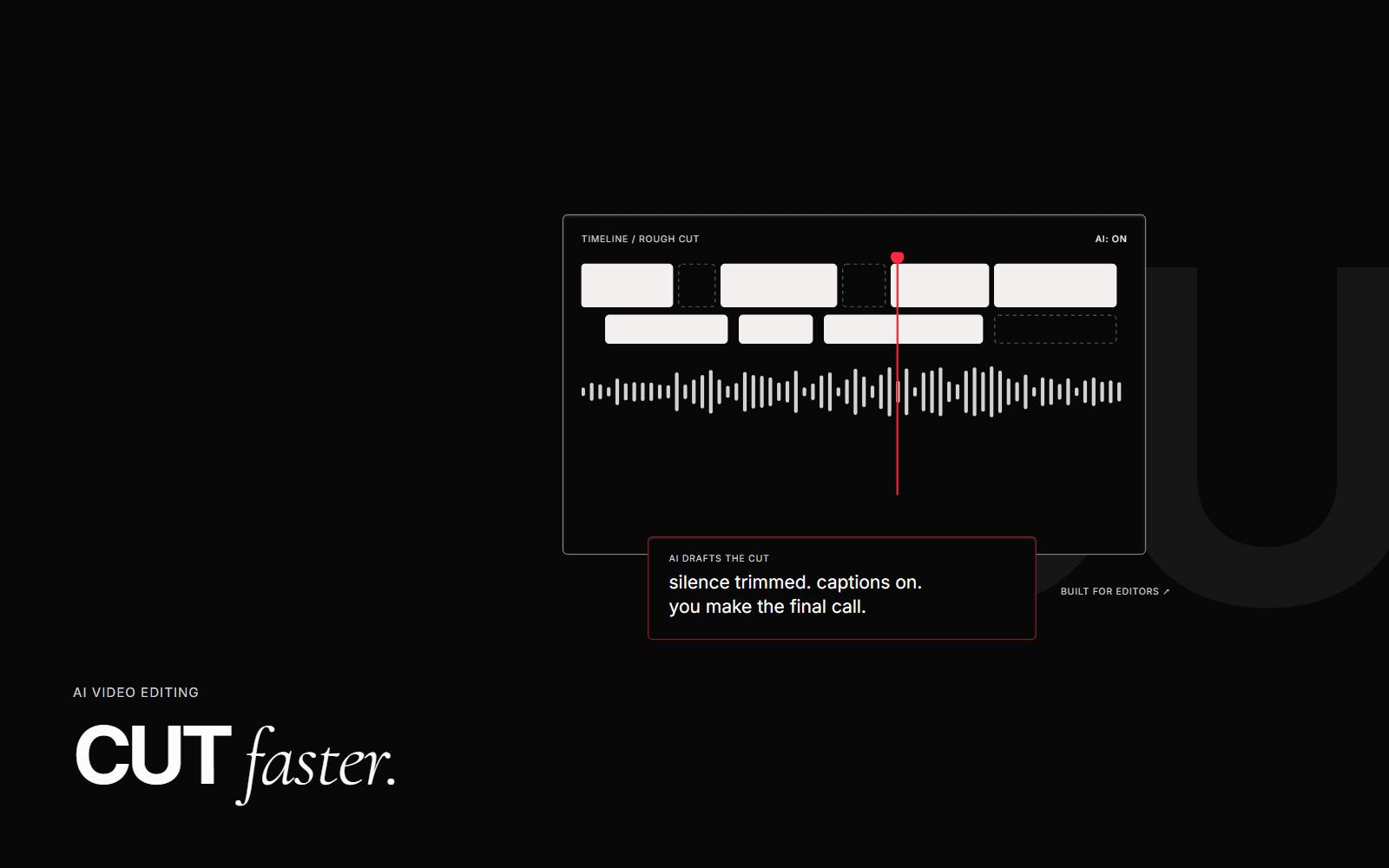
Kirizo is a desktop video-editing assistant, built for Windows first. It does the slow work that comes before After Effects, Premiere or Resolve, and more and more of the edit itself. It cuts your footage into a searchable library of shots, finds the beats in your song and builds a rough cut on a real timeline. Your source footage is only ever read, never changed.
Kirizo turns a folder of footage into a searchable shot library, finds the beats in your song and builds a rough cut on a real timeline. Or describe the video you want and let the AI agent draft it. Your footage is never changed, and everything runs local first.
How it works
- 1
Import a folder
Kirizo cuts every video into shots automatically, with thumbnails, tags, favourites and collections you can search.
- 2
Find the beat
Load a song and Kirizo marks its beats and accents, so your cuts can land on the music.
- 3
Build the rough cut
Place shots on the beats by hand or auto-fill them, then trim on a real timeline. Or describe the video you want and let AI Edit build it, then stop for your review.
- 4
Export it
Send the cut to After Effects, Premiere Pro, DaVinci Resolve, Avid, Shotcut, Kdenlive or OpenTimelineIO tools, or render a finished MP4.
Features
- Auto-cut, searchable shot library
- Beat-synced rough cuts
- AI Edit from plain words
- Export to Premiere, Resolve & After Effects
- Local first, footage never changed
Who it's for
Built for editors, YouTubers and social teams who burn hours sorting footage and cutting to music before the real creative work starts. If you want the slow prep handled without giving up control of the edit, this is for you.
FAQ
- Does Kirizo replace After Effects, Premiere or Resolve?
- No. It does the slow work that comes before them, then exports the cut to those tools or renders an MP4 itself.
- Is my footage safe and private?
- Kirizo only reads your source video and audio, never changes it, and never overwrites an export. Everything runs on your computer. It goes online only to check for updates and for AI tasks you start, and raw video and audio never leave your machine. Small keyframes go to a cloud model only if you switch that permission on.
- How does AI Edit work?
- You describe the video you want. An AI agent analyses your footage, plans the edit, builds it on the real timeline, checks its own work and stops for your review. You bring your own API key, or use a model running on your own computer. AI Edit is planned as a Pro feature.
- When does it launch?
- It is still cooking. Join the waitlist to get early access and founder pricing.